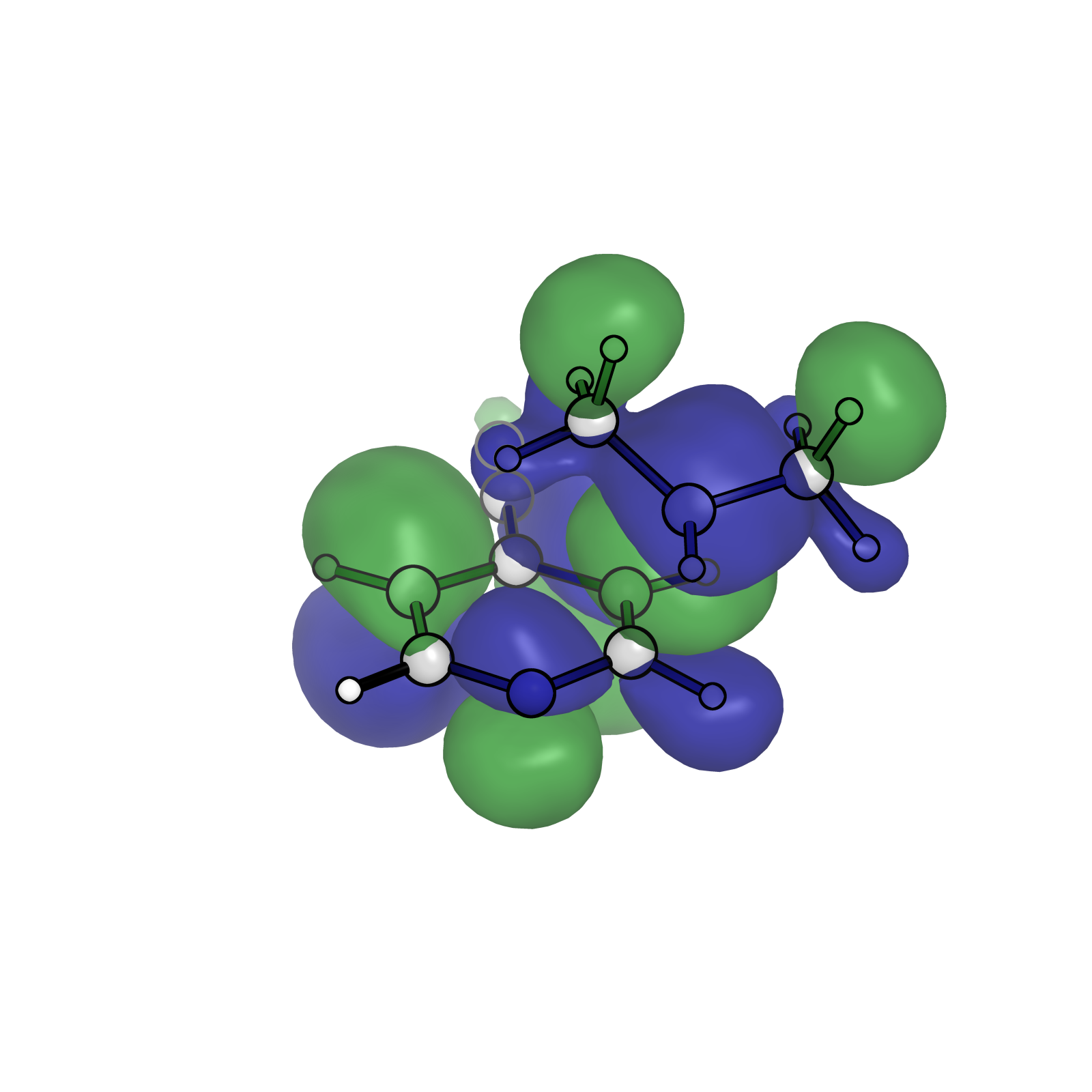
PyMol Orbital Visualization

PyMol Orbital Visualization

Notes for a Houk Group style molecular orbital visualization in PyMol


Gaussian .fchk to .cube

for i in {27,28,29};do cubegen 0 MO=$i {Name}.fchk {Name}-$i.cub -2 h;done

In PyMol

Build Isosurface

isosurface {desired-isosurface-name}-n, {filename.cube}, -0.02
isosurface {desired-isosurface-name}-p, {filename.cube}, +0.02

Transparency

set transparency, 0.2

From 0 to 1

Color Surface

Let’s go Houkie style

set surface_color, density, *n
set surface_color, forest, *p

Other Visualization Settings for structures

From Cooper

set valence, 0
hide everything
show sticks
show spheres
show labels
show dashes
set stick_radius, .07
set sphere_scale, .18
set sphere_scale, .13, elem H
set bg_rgb=[1, 1, 1]
set stick_quality, 50
set sphere_quality, 4
color gray85, elem C
color red, elem O
color slate, elem N
color gray98, elem H
set stick_color, black
set ray_trace_mode, 1
set ray_texture, 2
set antialias, 3
set ambient, 0.5
set spec_count, 5
set shininess, 50
set specular, 1
set reflect, .1
set dash_color, black
set dash_gap, .2
set dash_length, .1
set dash_round_ends, 0.1
set dash_radius, .05
set ray_trace_gain, 10
set stick_h_scale, 1
set ray_shadow, off
set label_size, 60
set label_distance_digits, 2
set orthoscopic, on

For changing for sele or specific objects only (with global settings removed)

set valence, 0, sele
hide everything, sele
show sticks, sele
show spheres, sele
show labels, sele
show dashes, sele
set stick_radius, .07, sele
set sphere_scale, .18, sele
set sphere_scale, .13, elem H & sele
set bg_rgb=[1, 1, 1]
set stick_quality, 50, sele
set sphere_quality, 4, sele
color gray85, elem C & sele
color red, elem O & sele
color slate, elem N & sele
color gray98, elem H & sele
set stick_color, black, sele
set ray_texture, 2, sele
set dash_color, black, sele
set dash_gap, .2, sele
set dash_length, .1, sele
set dash_round_ends, 0.1, sele
set dash_radius, .05, sele
set stick_h_scale, 1, sele
set label_size, 60, sele
set label_distance_digits, 2, sele

Combining Transparent Objects in Ray Trace

Use Setting->Transparency->Multi-layer
ref